
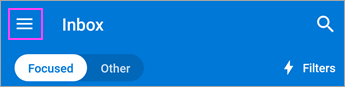
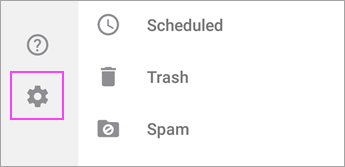
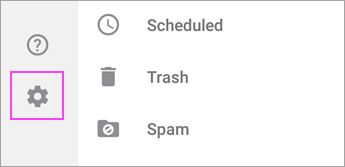
1. Open the Menu  > Settings
  > Add Account > Add Email Account
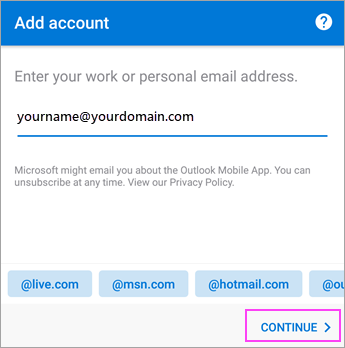
2. Enter your company email address eg test@bama.net.au, then tap Continue.
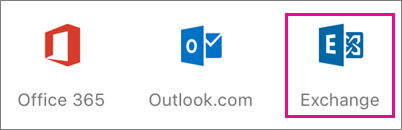
3. Tap Exchange.
4. Enter your company email address and password to automatically configure your account. Tap Sign In.
Automatic configuration will fail, tap Continue, then enter the following settings manually:
Server name: webmail.capeyorkpartnerships.com
Domain\Username: bama\test
Password: Same as you use to log into your computer
Description: Your email address
5. Tap Next when finished and swipe through the features.