
- On your mobile device, you need to go to your app store:
iphone/iPad - "App Store"
android - "Play Store"
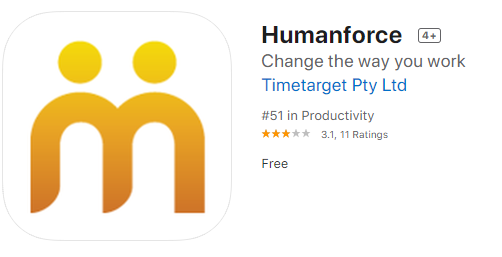
- Search for the app called "humanforce" and tap 'get' or 'install' as the case may be.
- Once it has installed, you will need to accept the terms and conditions of the app. And if it prompts to allow notifications, accept these too.
- Next, you will need to log in. Note the username and password is different to logging into the web portal. You need to log in using your registered email address (which could be your personal home email address, or your work email address - whatever you gave to payroll).
- If you've never logged into the app before (or forgotten password), you need to click on 'forgot your password', enter in your email address (as above it could be your personal home email address). Wait for the code to be emailed to your email address, then enter the code into the app. This will allow you to create a new password (note you can make it the same as any other password).
- Once you have created the password, you can then sign into the app using the same email address and password.
- You will see at the bottom of the app the "Clocking" option. Tap on that, and clock in / out as normal.
Any queries with the email address to use, please refer to your humanforce admin:
CYI, Ngak Min - Matthew T
BAMA - Gerna
GA - Adam