
- On your device, you need to go to your app store:
Mac/iphone/iPad - "App Store"
Android - "Play Store"
- Search for the app called "Remote Desktop" and tap 'get' or 'install' as the case may be.
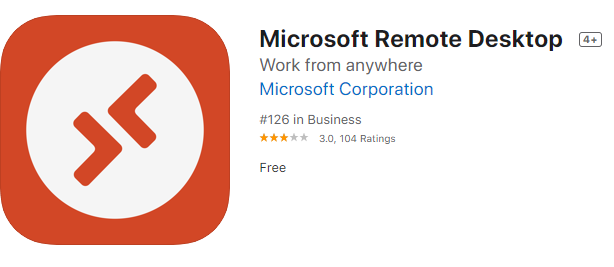
- Once it has installed, you may need to accept the terms and conditions of the app.
- Click/Tap on the + symbol to create a new RDP connection
- Click/Tap on 'Desktop'
- In PC Name, Enter in either:
- CYI, CYE: remote.cyp.org.au
- BAMA: remote.bama.net.au
- Ngak Min: remote.cyh.org.au
- Click/Tap Save to save the connection
- Double click / tap on the new connection to connect to the RDP server
- Enter in your username:
- CYI/CYE: cyp\user.name
- BAMA: bama\user.name
- Ngak Min: cyh\user.name
- And password
- If prompted, accept the certificate