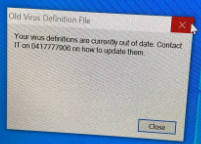
You may receive a message that resembles the following "Your virus definitions are currently out of date. Contact IT..."
To fix this, please follow this procedure.
1. Double click on the Symantec icon located in the system tray near the clock. If you don't see this icon, you might see an arrow ^ symbol that when you click on it will expand out all the hidden icons. 
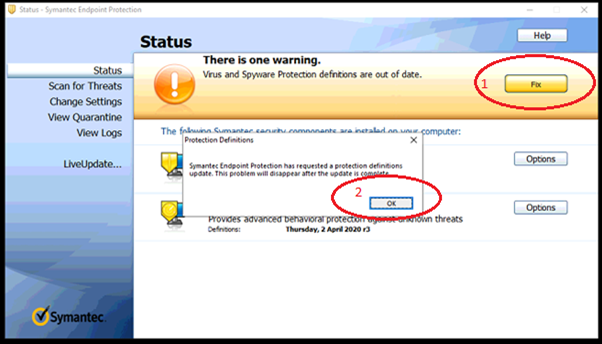
2. This will open up the Symantec status page and it should show a warning and a fix button. Click on the Fix button, wait for a couple of minutes (the updating will be running in the background), then click on the OK button.
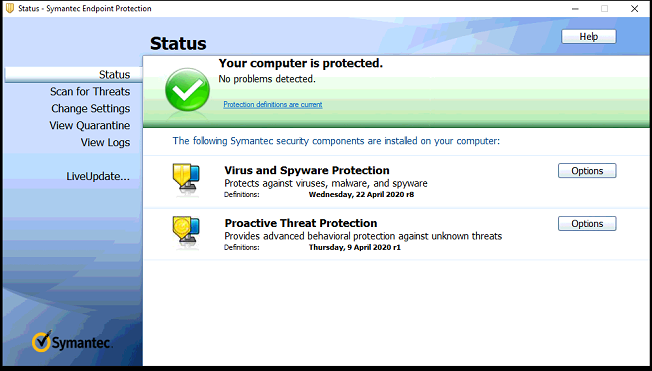
3. Once you click on the OK button (and provided you waited long enough, the Symantec status will display a green tick. If it doesn't, wait a little longer (the update process will be working in the background), close down the current status page and reopen the status page again (per step 1).