
Written By: Chris O'Sullivan
Date: 14th August 2020
Issue: Zoom audio output via the speakers on the new DELL laptops is not very loud.
Cause: Latest version of Windows 10 (April 2020 release) has a feature to 'Enable audio enhancements' which is turned on by default but appears to be limiting the volume instead of boosting it.
Resolution: Follow this procedure below to turn off 'Audio Enhancements'
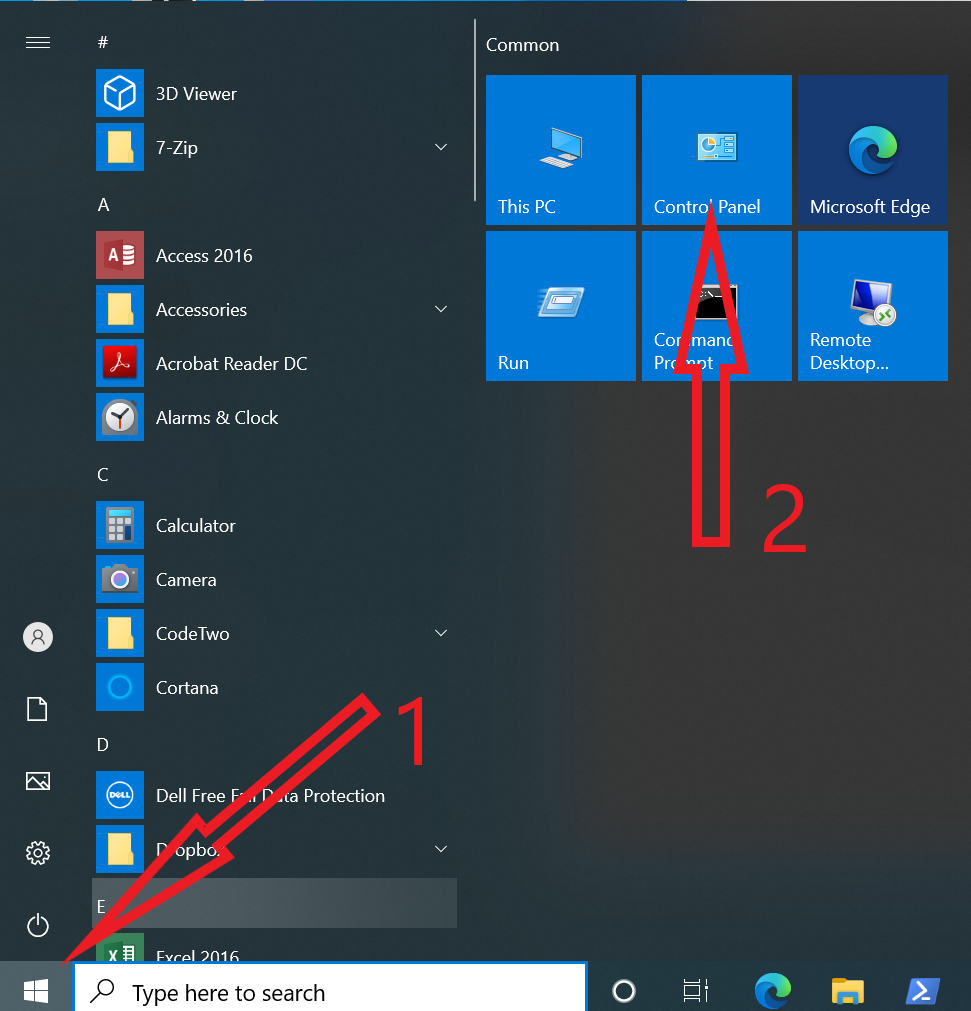
1. Click on Start Menu
2. Click on 'Control Panel'
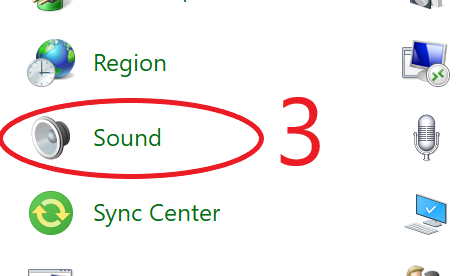
3. Click on ‘Sound’ icon
4. Double Click on “Speakers - Realtek (R) Audio”. There should be a little green tick on the icon.

5. Click on ‘Advanced’
6. Click to remove the tick from ‘Enable audio enhancements’
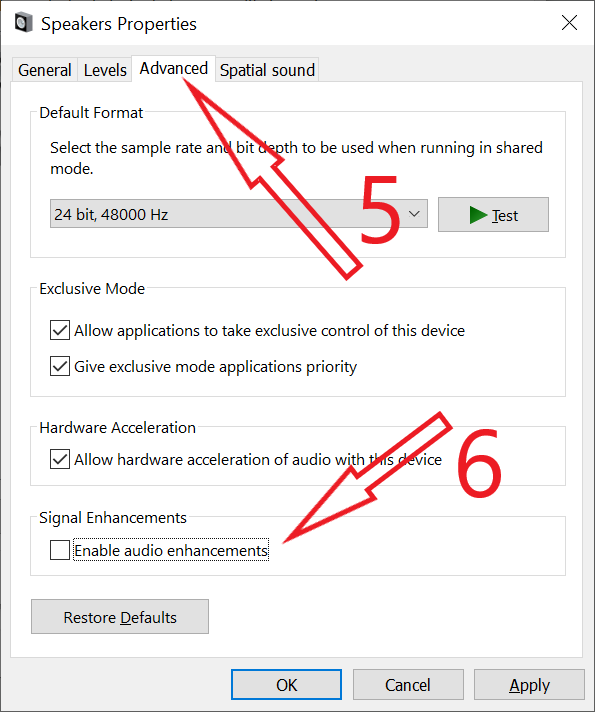
7. Click OK at bottom to save and exit the settings. Close 'Control Panel'.