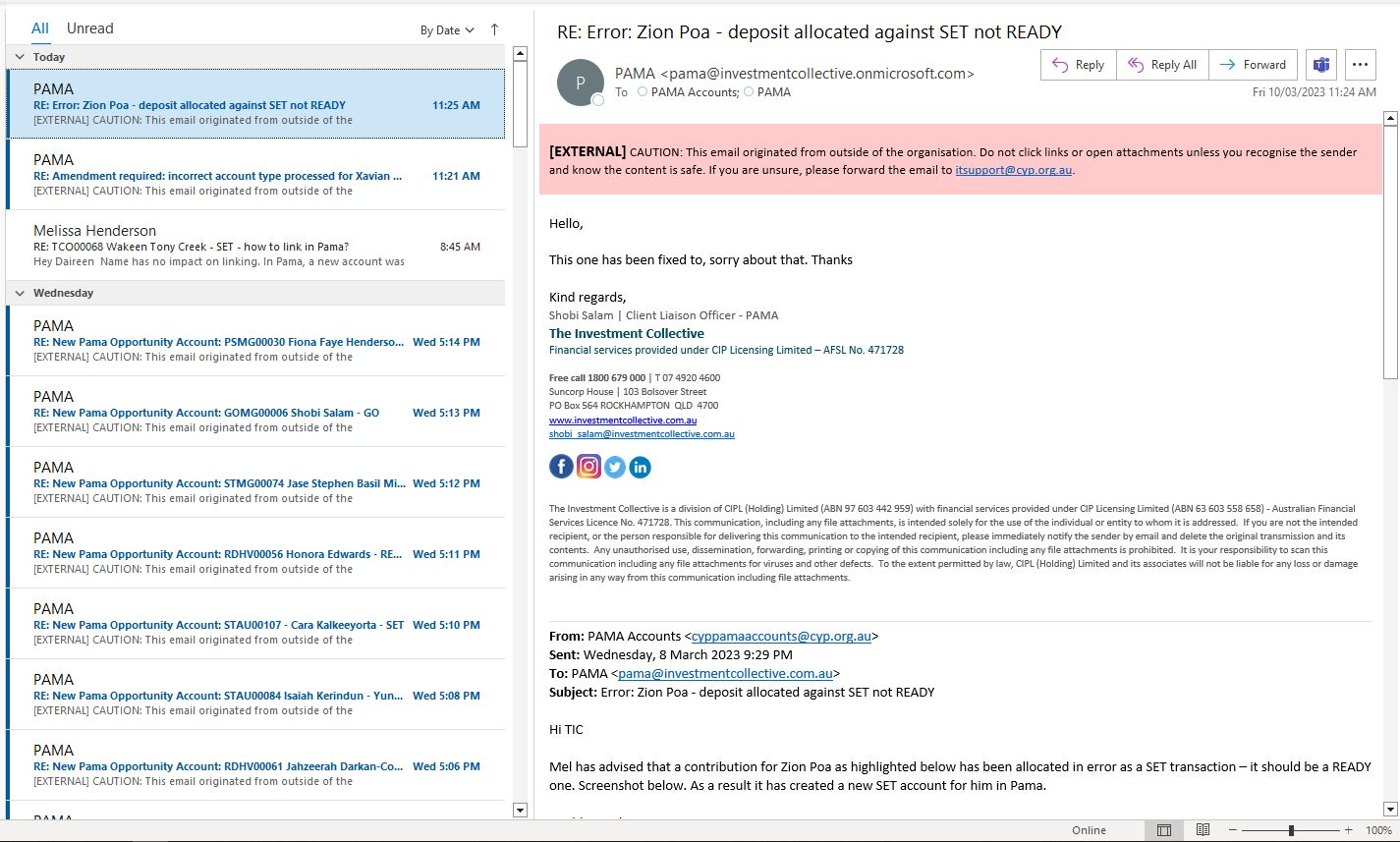
- In Outlook,Click on File
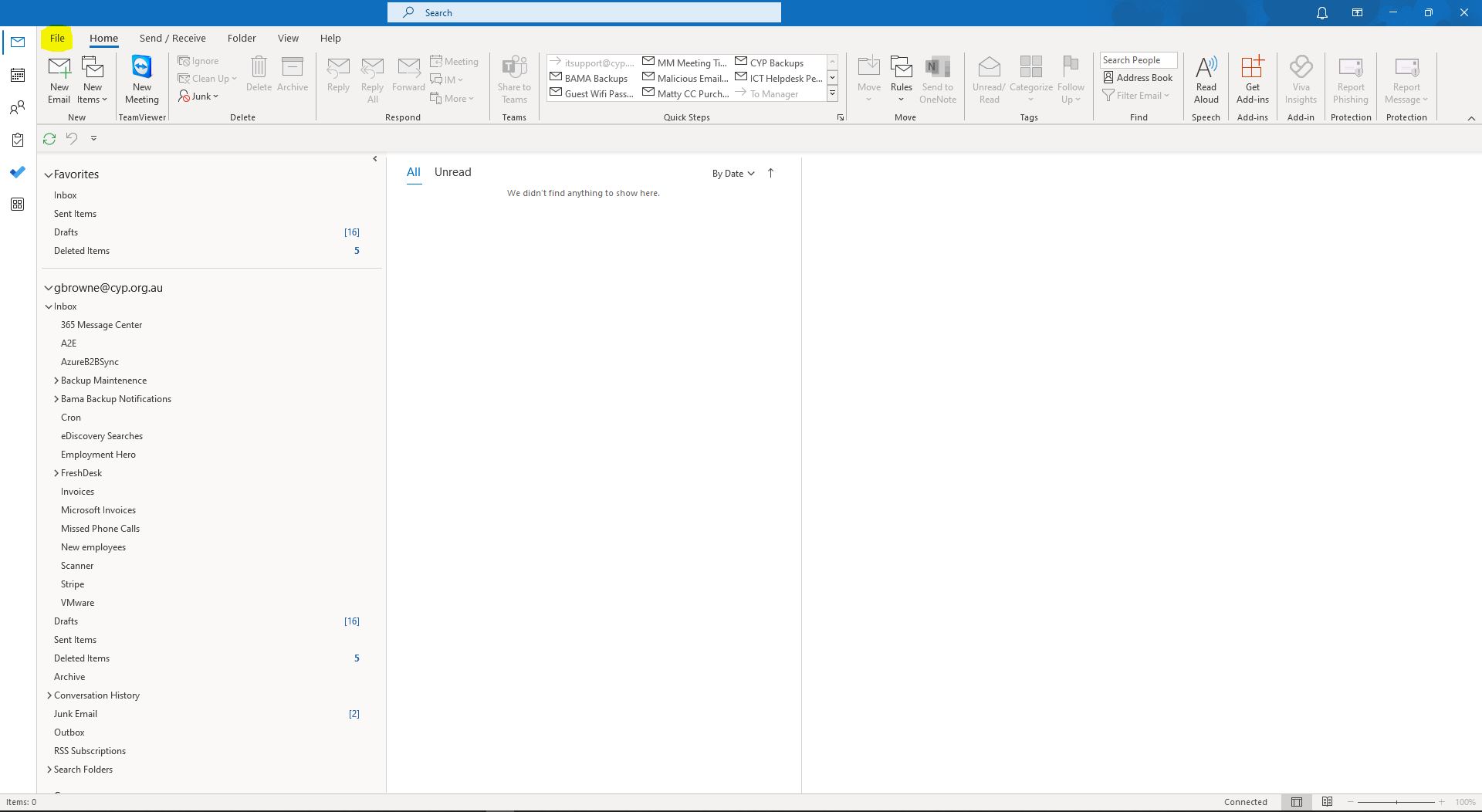
2. Click on Open & Export
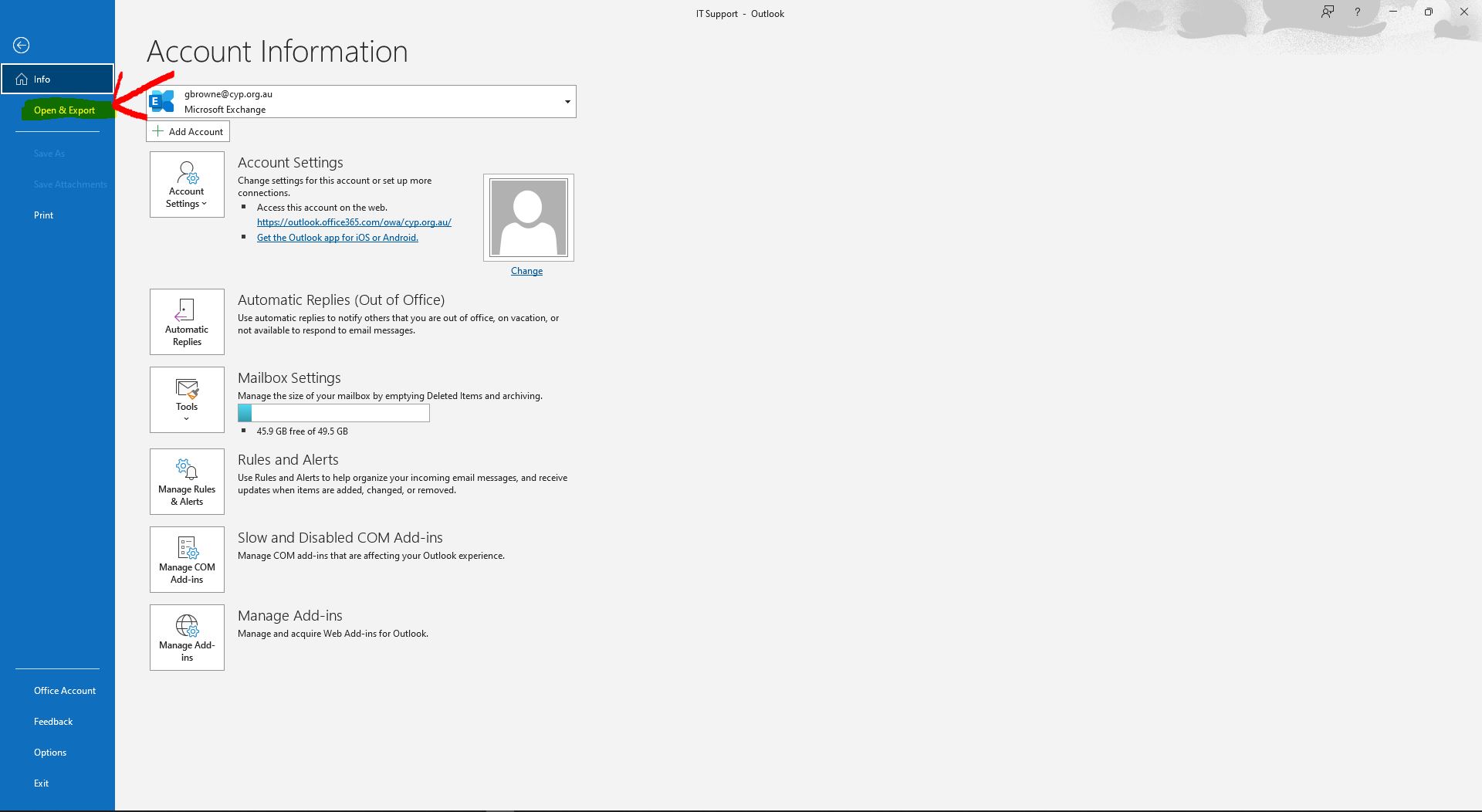
3. Click on Other User's Folder
4. Click on Name
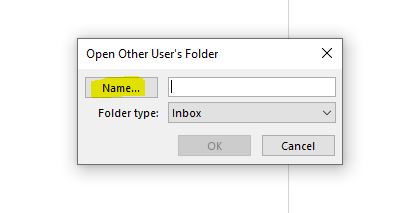
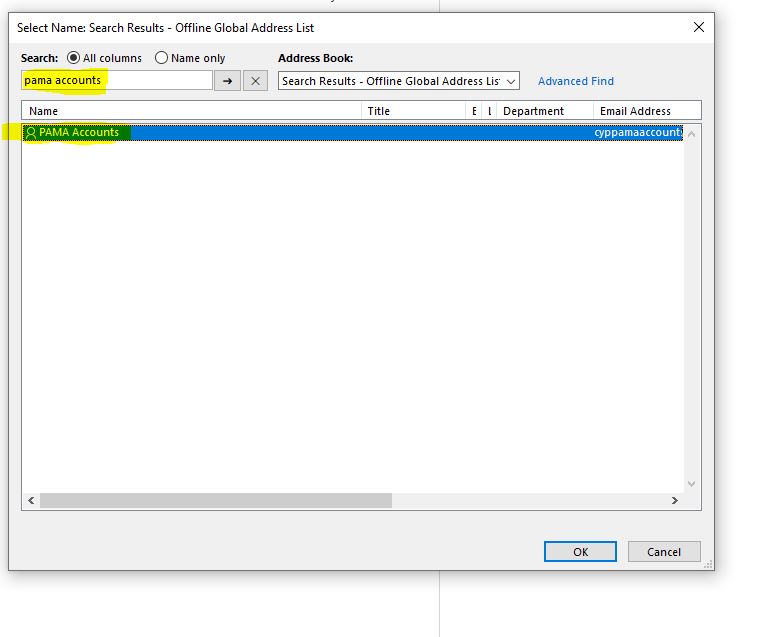
5. Search for the required account, once found double-click to open the address.
6. Ensure that the Correct Mailbox is selected and check that the Folder Type is "Inbox" and then Click OK.
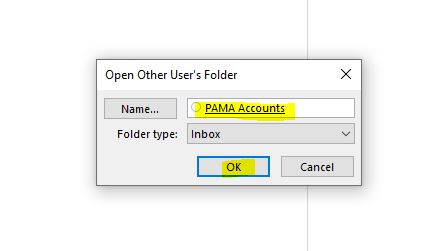
7. Your mailbox is now open. Please be aware that if you open another mailbox or folder in outlook, it will close this mailbox.