
-Create OU in AD, then create a sub-ou in that folder called "Azure_Sync" run adsync.
-Log in svrcyp08
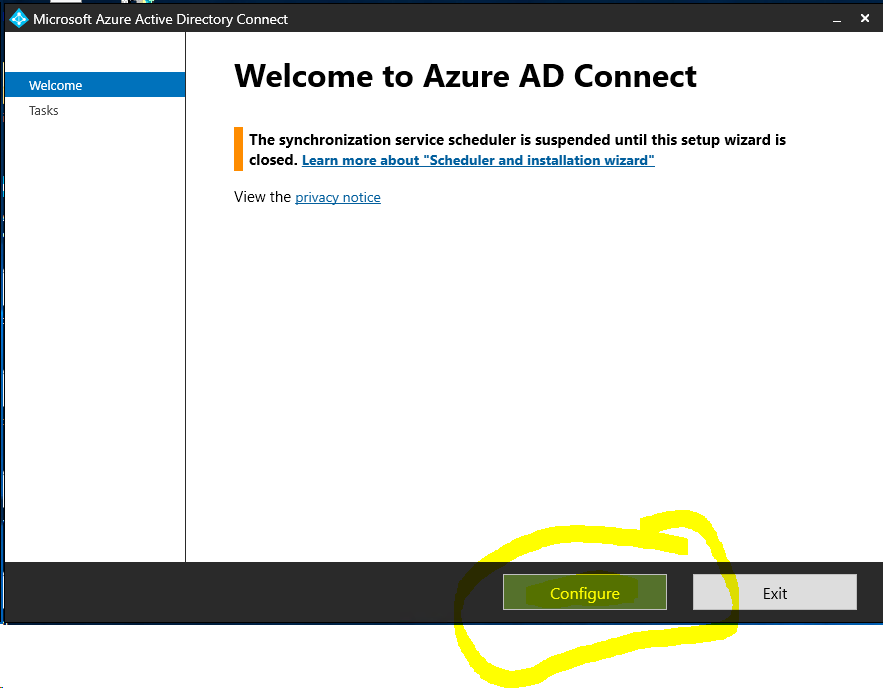
-Run Azure AD Connect (shortcut on desktop)
-Click Configure
-Click "Customize synchronization options" Click next
-login using your admin account
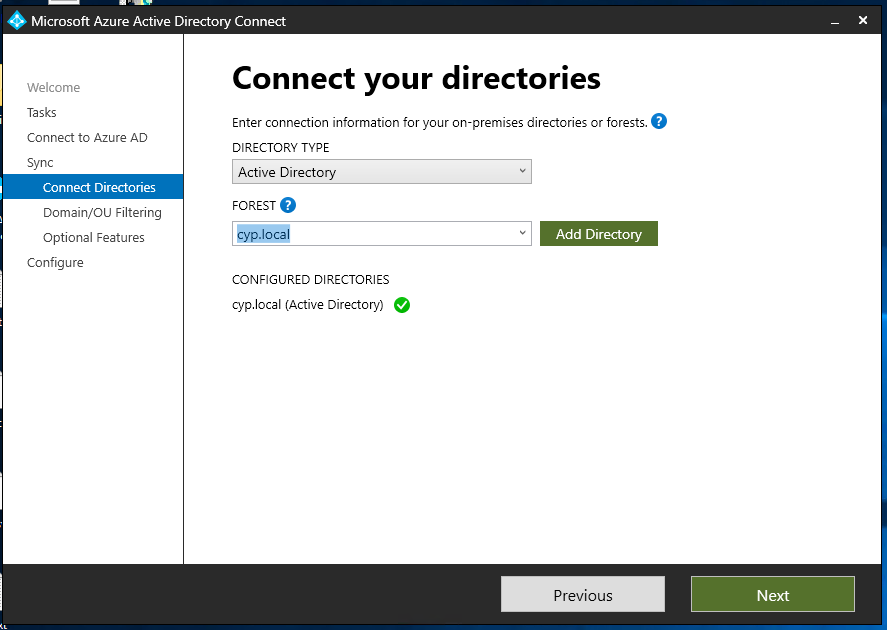
-Leave default selections, click next.
-Expand folders until you locate your desired "Azure_Sync" folder, put a checkbox in that "Azure_Sync" folder only. Click "next" 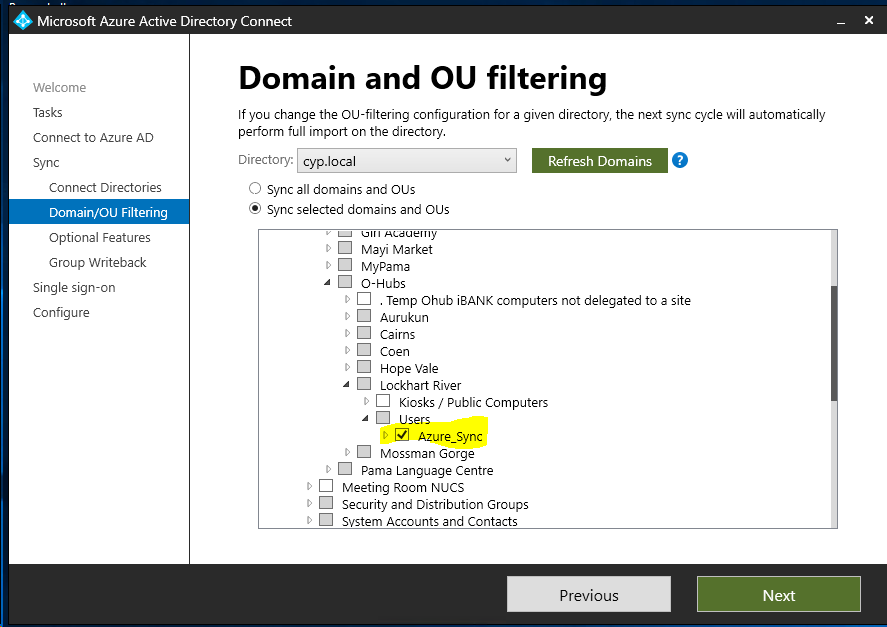
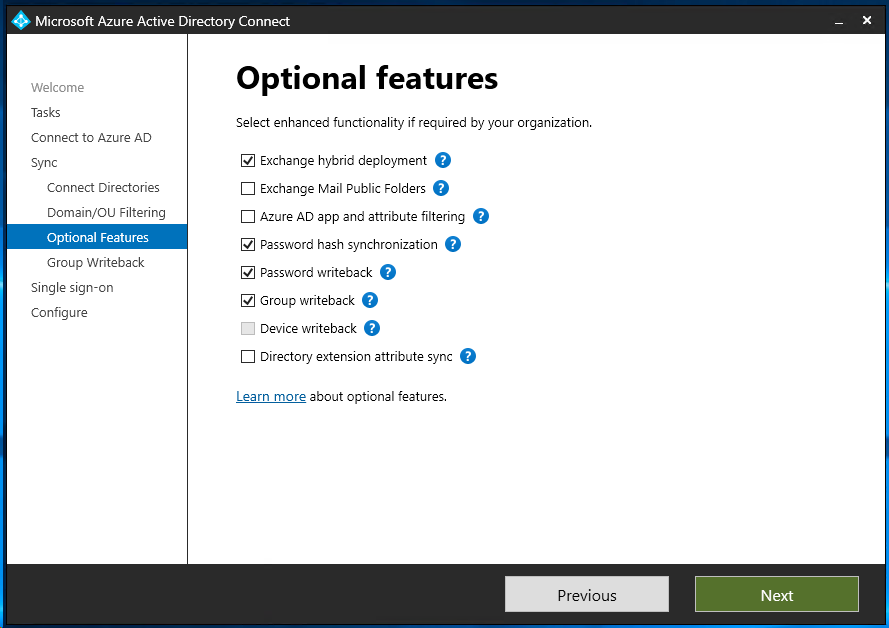
-Leave Optional Features to Default, click "next"
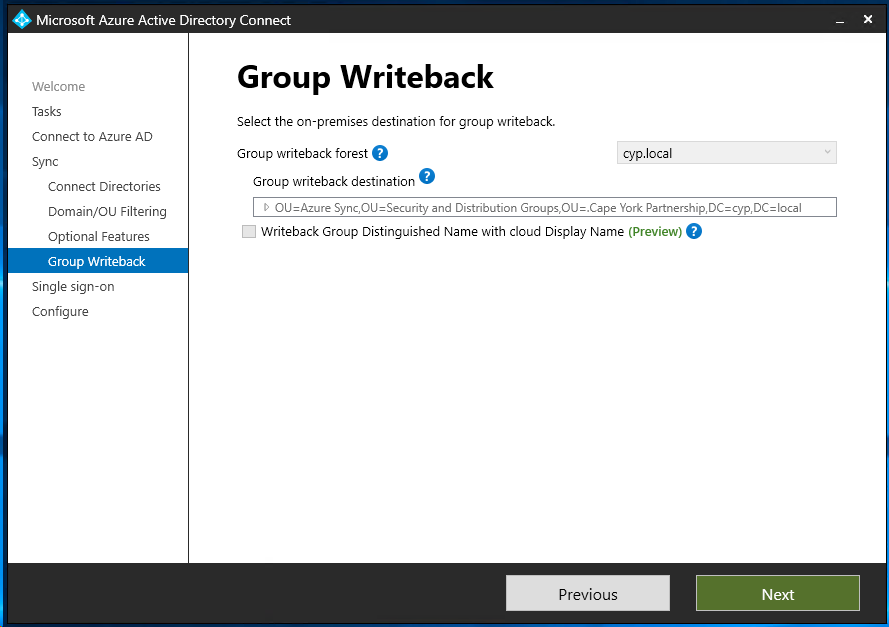
-Leave Group write back options to default, click "Next"
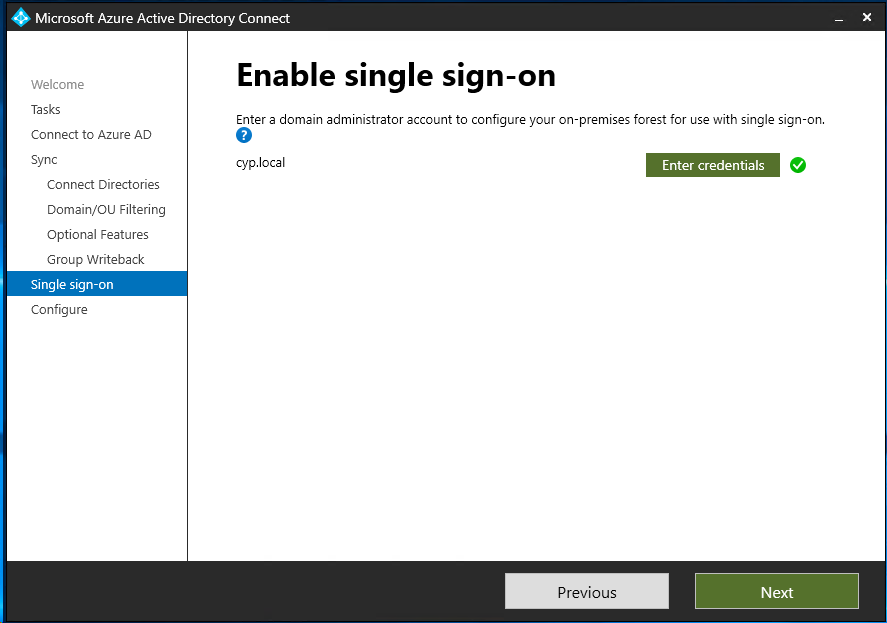
-Sign in to the cypnetadmin account for SSO, click "Next"
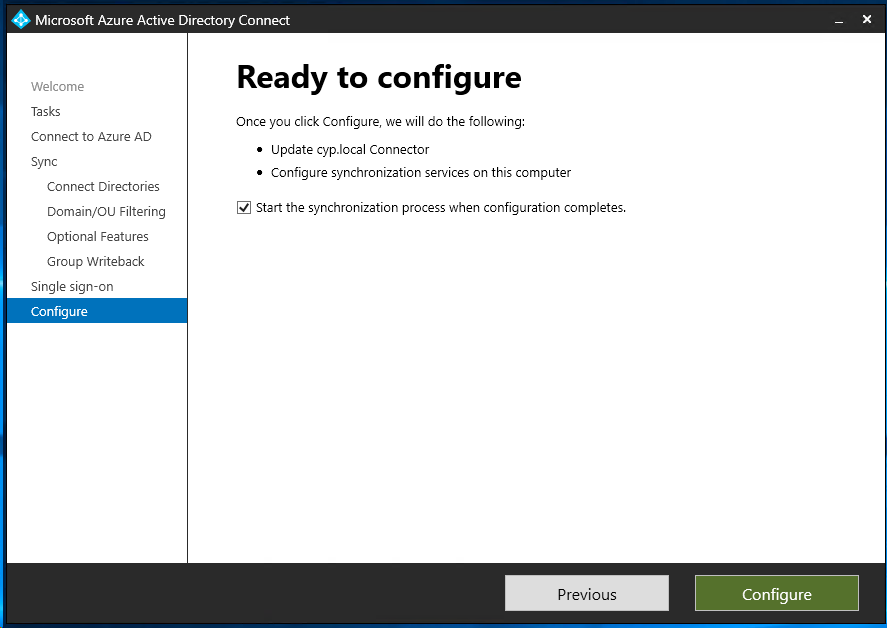
Leave "Start the synchronization process when configuration completes" checkbox enabled, click "Configure".
Click "Exit"