
When working from home, if using the Vodia Phone System App (contact IT to get this setup for you), please follow the below guide on how to set this so that the App Calls, how to stop the Desk Phone from calling while working from home and how to stop the App from calling while in the Office.
Using the Phone System App
When working from home, in the Vodia Phone System App settings, follow the below steps to ensure that call come through to the Phone App (this will redirect calls to your mobile from your Desk Phone).
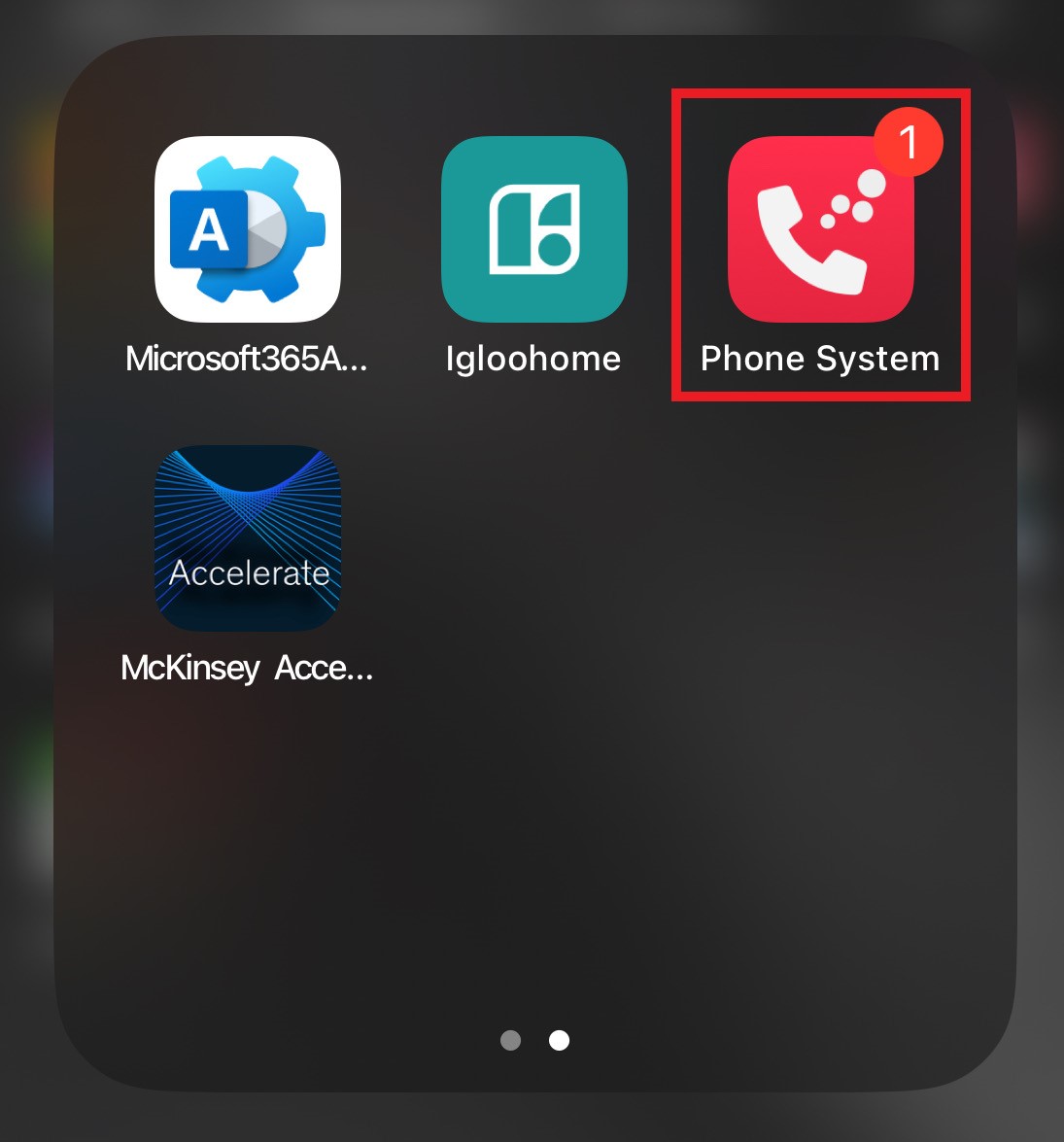
- Open the Phone System App on your Phone
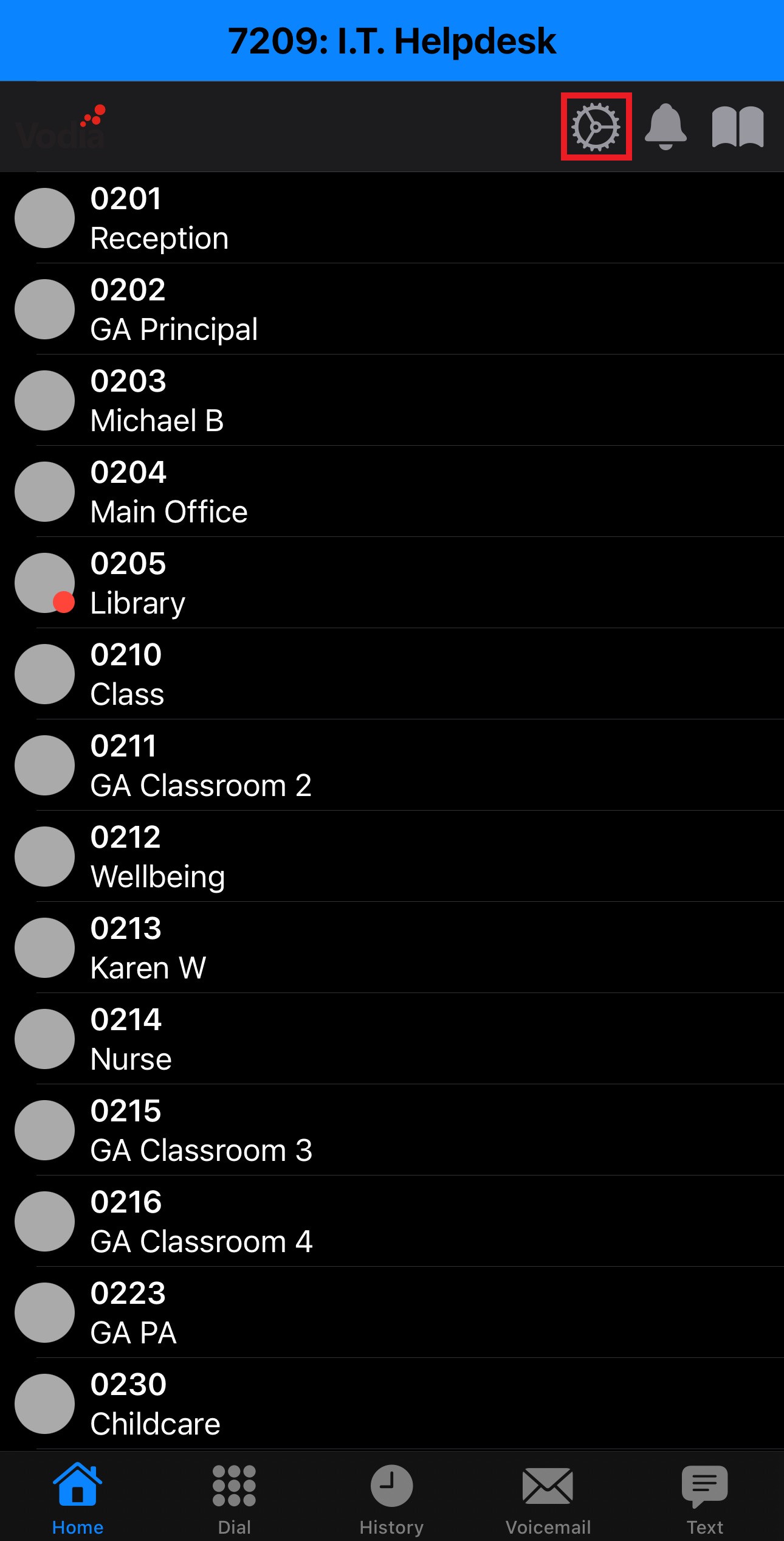
- Go into Settings
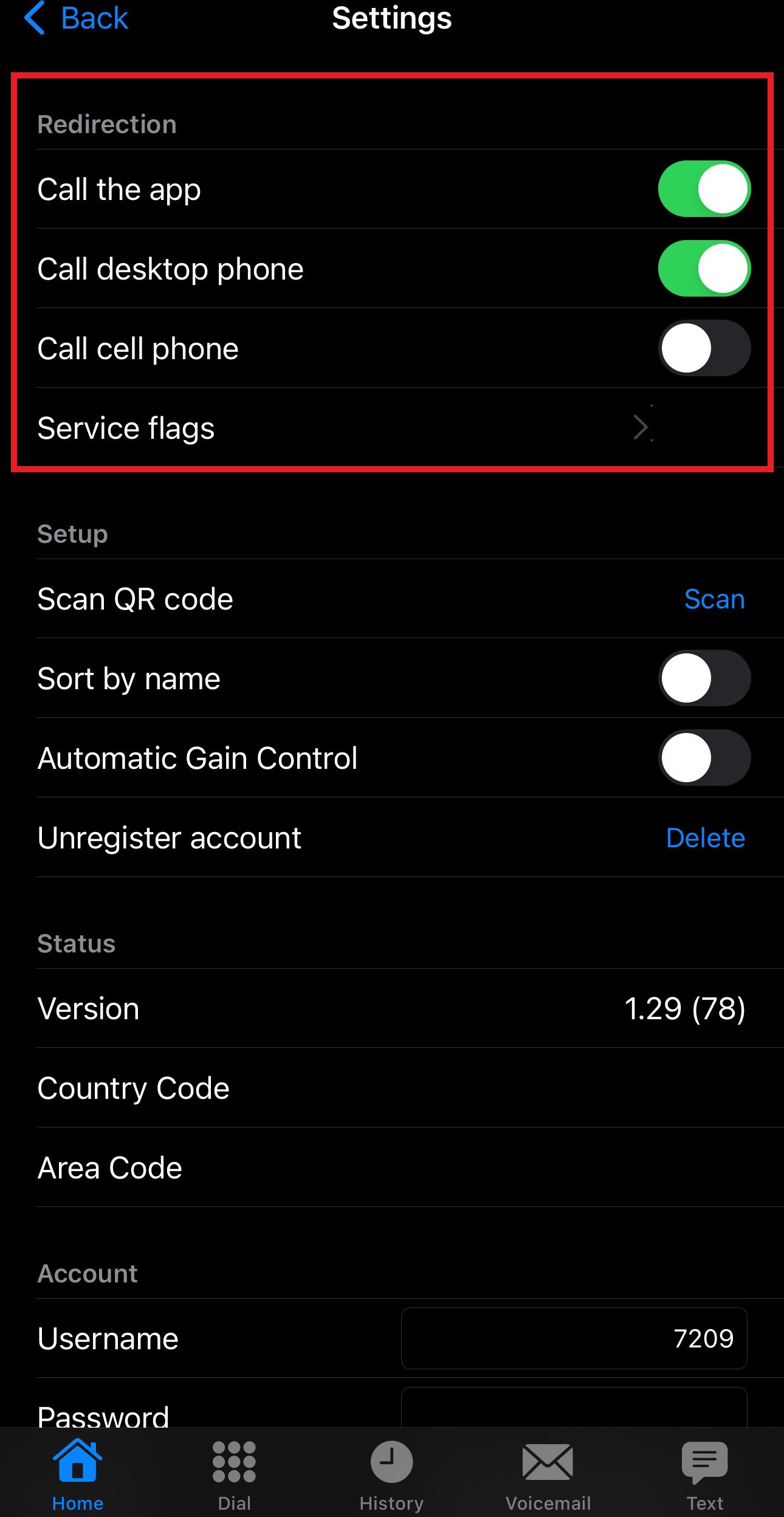
- Ensure that the "Call the app" setting is turned on. If this is off, turn it on.
 After doing this, any call you receive will go through to your Mobile Phone via the App
 - Optional - Turn off the "Call desktop phone" option. This will stop your Desk Phone calling
 You will need to turn this back on in the App when you are back in the office or your Desk Phone will not call.
 - When back in the office, Turn off the "Call the app" setting to stop calls coming through to your mobile phone via the App.

Please make sure that the "Call desktop phone" setting is turned on when you are in the office, or your Desk Phone will not call.