Creating the JSON Layout File
- Set up a reference computer with Windows 11 configured exactly how you want the Start menu to appear
- Export the current layoutusing PowerShell:powershellCopy
Export-StartLayout -Path "C:\StartLayout.json" - Review and editthe JSON file if needed. The basic structure looks like:jsonCopy
{ "pinnedList": [ {"desktopAppId": "MSEdge"}, {"desktopAppId": "Microsoft.Office.OUTLOOK.EXE.15"}, {"desktopAppId": "Microsoft.SynapticDeepField.DesktopApp"} ] }
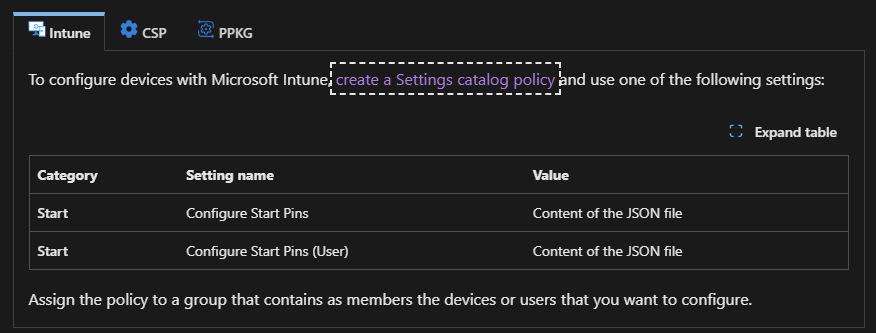
Create the policy
You create the policy by using the settings catalog profile type.
Sign in to the Microsoft Intune admin center.
Select Devices > Manage devices > Configuration > Create > New policy.
Here is the changes you want to make, search for "Start" when looking for the policy..